Share prayers with others, export your prayer list, and send custom themes to friends.
Prayer Partner Sharing
Share prayers with a trusted friend, small group, or church community. Answered List makes it easy to send and receive prayers while keeping private prayers protected.
Exporting Prayers (Premium)
Tap the menu on the Prayers tab and select Export Prayers. You have two format options:
Export as PDF
Generates a formatted document suitable for printing or saving as a file. The PDF includes each prayer’s title, description, category, priority, and any updates that have been added. For answered prayers, the answer note and answer date are also included. Great for creating a physical prayer list or archiving your prayers.
Share for Prayer Partner
Creates an .answeredlist file that another Answered List user can import directly into their app. This is the best option for sharing prayers with someone who also uses the app.
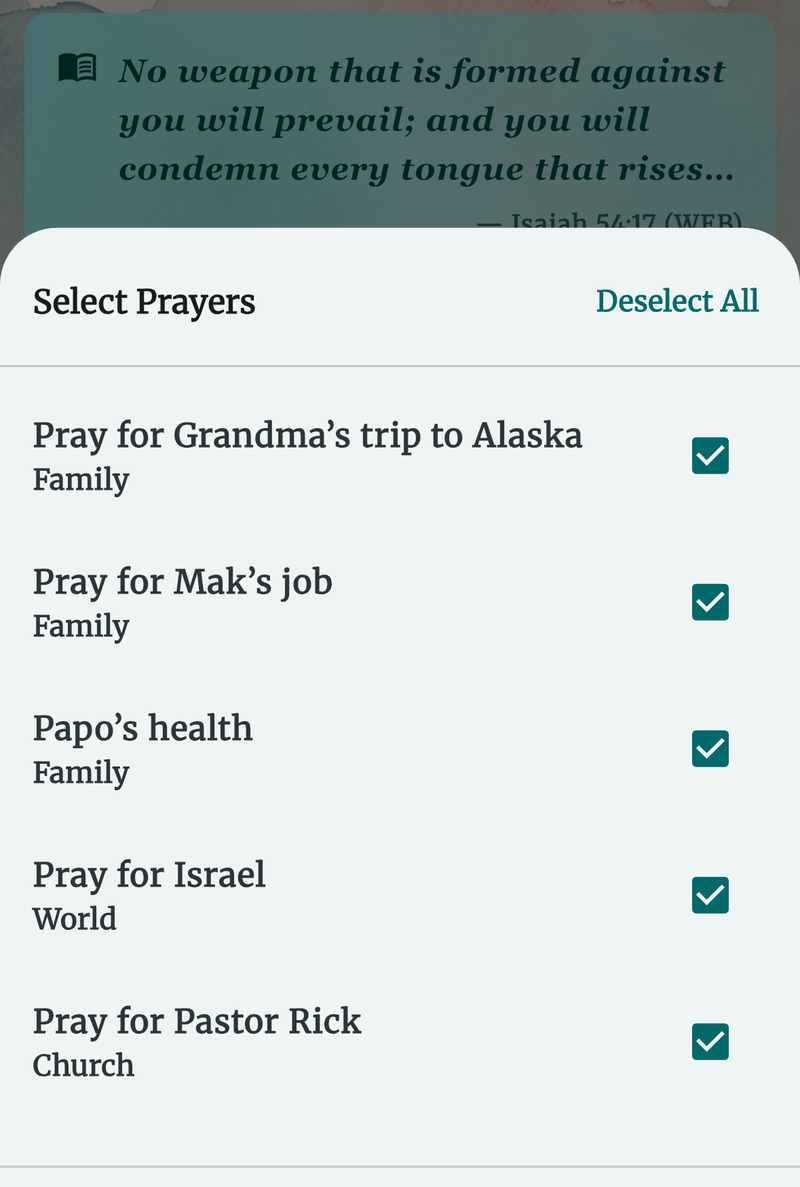
How to Export
- Choose your format (PDF or .answeredlist).
- A selection sheet appears — check the prayers you want to include, or tap Select All.
- Tap Export to open the system share sheet, where you can send the file via Messages, email, AirDrop, or save it to Files.
Private prayers are automatically excluded from all exports.
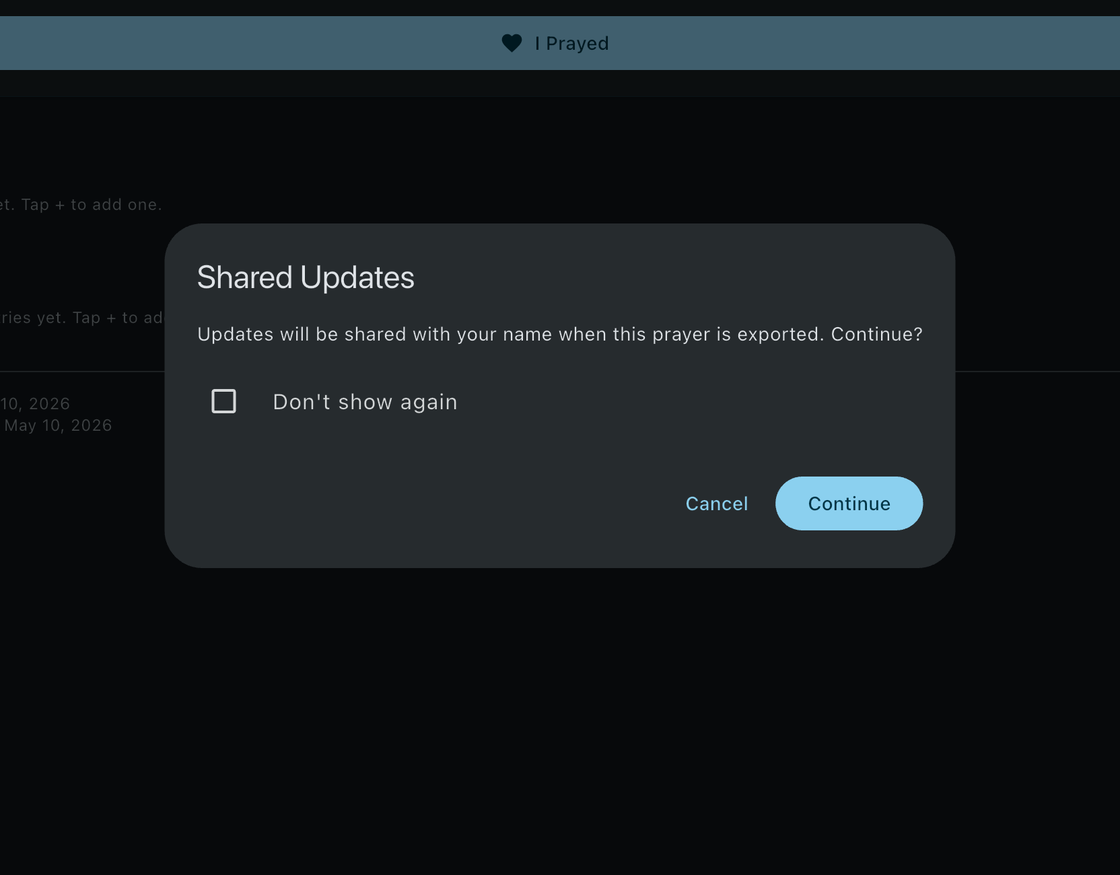
Sharing Individual Prayers
- Share as text — From a prayer’s detail screen, share the prayer as plain text with anyone.
- Export as PDF — From the detail screen, export a single prayer as a formatted PDF including its updates and answer note (Premium).
- Private prayers — Private prayers cannot be shared or exported.
Importing Prayers
You can receive an .answeredlist file through Messages, AirDrop, email, or any other sharing method. There are two ways to import:
- Open the file directly — Tap the .answeredlist file and it will open in Answered List automatically.
- Use the Import option — Tap the menu on the Prayers tab and select Import Prayers.
Duplicate Handling
When importing prayers, the app checks for duplicates:
- No changes detected — The prayer is skipped automatically.
- Changes detected — You are asked whether to update the existing prayer or skip it.
After the import completes, a summary shows the number of prayers imported, updated, and skipped, along with any new categories that were created.
Theme Sharing
Share your custom themes with friends by exporting them as .answeredlisttheme files. Long-press a custom theme in the Appearance screen and select Share to send the theme via Messages, email, AirDrop, or any other sharing method.
To import a shared theme, simply open the .answeredlisttheme file on your device. Answered List will show a preview and ask you to confirm the import. The imported theme appears in your My Themes section, ready to apply.
Theme files contain only color and style settings — no images or personal data are included.