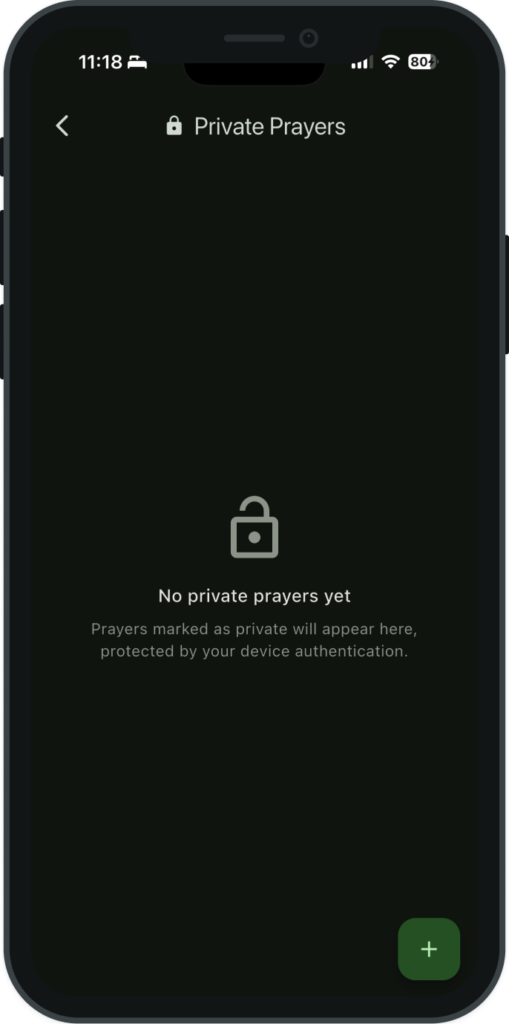
Keep your most personal prayers protected with biometric authentication.
Accessing Private Prayers
Tap the lock icon in the top-right corner of the Home or Prayers screen to access your private prayers. You must authenticate with one of the following methods:
Face ID
Fingerprint (Touch ID)
Device passcode
After successful authentication, a dedicated screen appears showing only your private prayers.
What You Can Do with Private Prayers
The private prayers screen supports all the same actions as the main prayer list:
Add new private prayers using the + button.
View full prayer details.
Edit prayer title, description, category, and other fields.
Mark as answered with an answer note and date.
Archive prayers that are no longer active.
Delete prayers permanently.
How Private Prayers Are Protected
Private prayers receive multiple layers of protection:
Completely hidden from the main prayer list — they never appear alongside your regular prayers.
Excluded from all exports — private prayers are never included in shared text, PDFs, or Prayer Partner files.
Automatic locking — the private prayers screen locks automatically when you leave the app. You must re-authenticate each time you return.
Biometric or passcode required — every access requires Face ID, fingerprint, or device passcode authentication.
Device Compatibility
The private prayers feature requires a device that supports biometric authentication (Face ID or Touch ID) or a device passcode. If your device does not support any of these methods, a message will explain that the feature is unavailable on your device.